

In depth: Low-Voltage & Home Health Integration
A smart home should be wired first
The modern home runs on data as much as on power. Networks, streaming, work-from-home, security cameras, automation, environmental sensors, lighting control and a growing list of appliances all need a connection. The default answer is wireless everything, which is convenient on move-in day and a compromise every day after: crowded airwaves, dropped connections, devices that stop being supported, and a house filled with radio-frequency transmitters that never switch off.
SENERGY360 designs technology the way it designs plumbing: as infrastructure. Every fixed device gets a wire. Wireless is provided where it earns its place, positioned deliberately, and controllable by the family. The result is a home that is more reliable, easier to upgrade, and quieter in the ways described in the low-EMF electrical principle.
Structured cabling: the backbone
Structured Ethernet cabling is the foundation. During framing, when it costs almost nothing, cable is run from a central point to every location that will ever hold a device.
- Workstations and desks in offices, bedrooms and the kitchen command center.
- Every television and streaming location.
- Wireless access point locations, chosen for coverage and for distance from beds.
- Security cameras, doorbells and gate controls on wired, powered connections.
- Mechanical equipment, water treatment, leak detection, and environmental sensors so the home can report on itself without relying on wireless links.
- Spare drops in the locations most likely to change use.
Cable is specified by category and shielding, routed away from electrical runs, and terminated and tested at a labeled patch panel. The home ends up with a documented network instead of a mystery of splitters behind the entertainment center.
The technology room
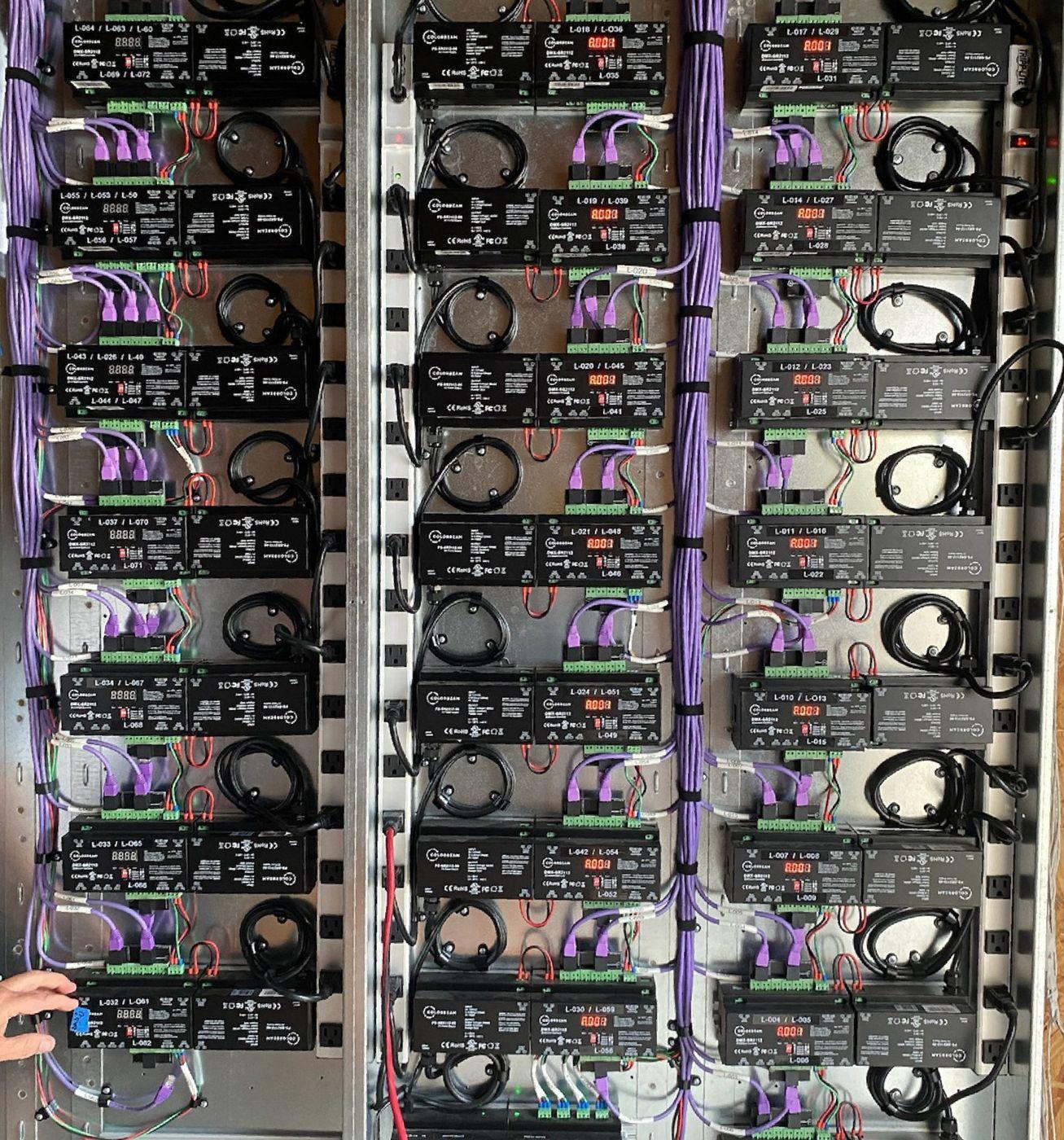
A dedicated, ventilated space houses the network switch, router, patch panel, automation controllers, camera recorder and the equipment that would otherwise be scattered through closets. It is placed away from bedrooms, on the wired backbone, with clean power, surge protection and room to grow. Centralizing the equipment also centralizes the electromagnetic sources, which is the whole point.
Power over Ethernet
Many devices can be powered through the same cable that carries their data: access points, cameras, doorbells, sensors, some lighting and controls. Power over Ethernet removes wall adapters and their electrical noise, allows the devices to be shut down centrally, and keeps low-voltage runs separate from the household wiring.
Wireless, on purpose
A wired home still has Wi-Fi. The difference is intent. Access points are placed where coverage is needed and beds are not, sized so that fewer, better-located units cover the home. They can be scheduled or switched off at night from the technology room. Devices that must be wireless, such as phones and tablets, get a good signal where people actually use them, and the rest of the house is not saturated to reach a single corner.
Where a family prefers, bedrooms can be designed as wired-only zones with no access point nearby, which pairs with the bedroom circuit strategy in Principle 05.
Automation that serves health
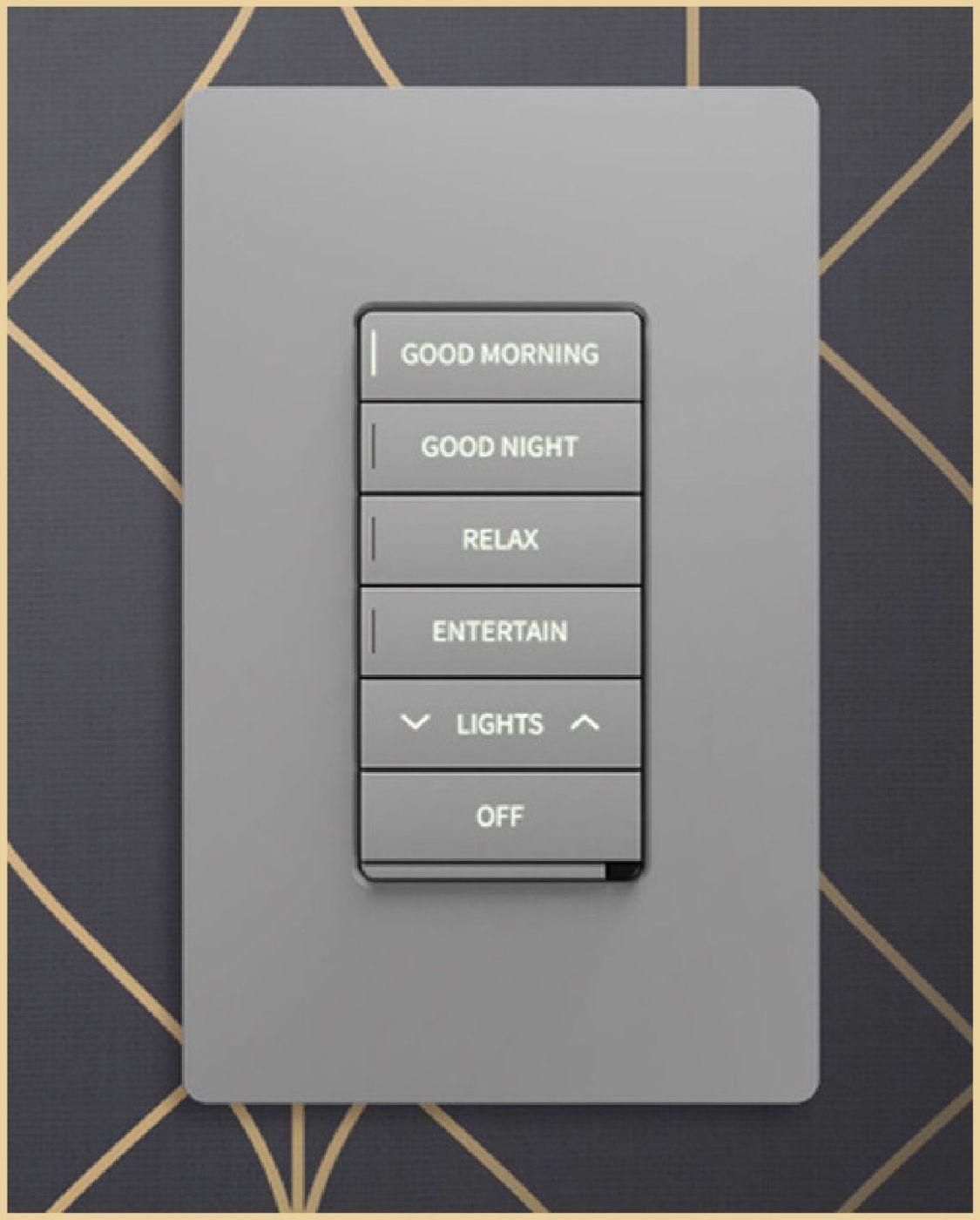
Automation in a healthy home has specific jobs. Lighting scenes that follow the day, as described in circadian lighting. Shading that manages heat and glare. Ventilation that boosts when carbon dioxide rises. Humidity control that responds to a sensor rather than a guess. Leak detection that closes a valve. A water heater and a filtration system that report when they need service. Controls run on a wired network wherever possible, and the system is chosen for openness and longevity rather than for the latest app.
Environmental monitoring
Sensors for particulates, carbon dioxide, VOC trend, humidity and temperature, wired into the home, turn indoor air quality from a hope into a dashboard. They tell the family when to change a filter, when a cooking event needs the exhaust, and when something in the home has changed. Water quality and leak sensors do the same for the plumbing. The data stays in the home unless the family chooses otherwise.
Future conduit
Technology changes faster than houses. Empty conduit from the technology room to the roof, the exterior, the garage and the main living areas means the next generation of cable, whatever it is, can be pulled without opening a wall. It is the least expensive insurance in the building.
Low-voltage and home health integration is one of the 12 CORE Principles for Healthy Building Design, coordinated with the electrical, lighting, mechanical and security design. A smart healthy home is wired first and wireless where it provides a clear benefit.